Hydrogen hub project and scenario data
Scenarios and variants
Create multiple scenarios for different concepts and use the variant number to compare iterations of the same scenario. Both fields are included in results and PDF filenames for easy reference.
How to navigate this app
Use the two switches at the top: Info boxes (show/hide explanatory tips; also controls PDF) and Comments (show/hide advisory comments; also controls PDF). When you're familiar, turn them off to reduce on-screen and PDF content. You can keep multiple tabs open to compare online; data is not persisted after closing the browser except for small cookies that remember language, scenario name, last sequence number, and these two switches.
Understanding the tabs
The pages Project, Consumers, Energy, Assumptions represent the inputs. The pages Hub, Financials and Summary represent the outputs of the quick scan.
Your data is saved automatically
You can switch between tabs and change inputs at any time without losing your data. All your entries are automatically saved as you work in your browser. Nothing is saved on the server.
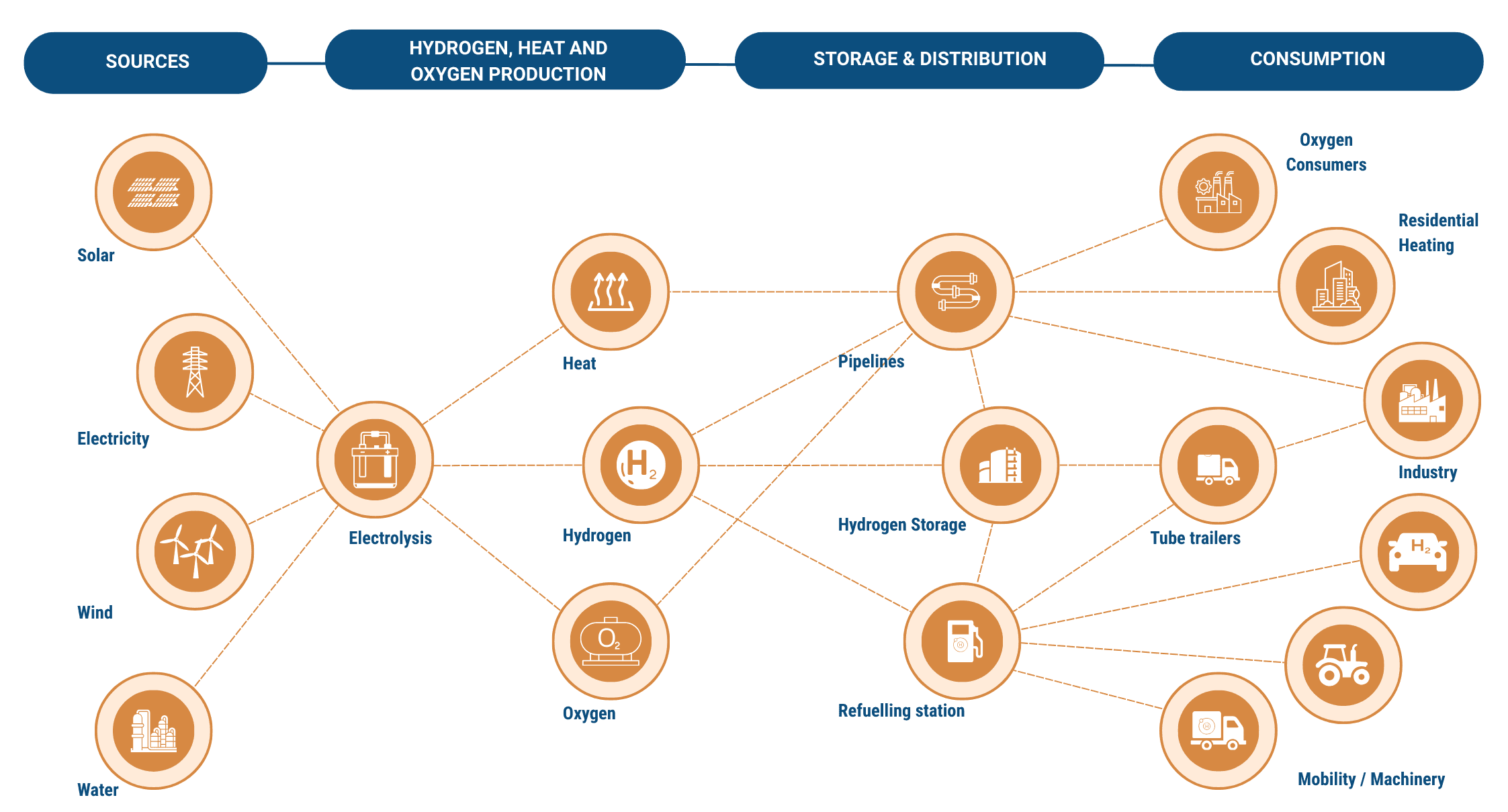
Quick Scan - Hydrogen Hub Diagram